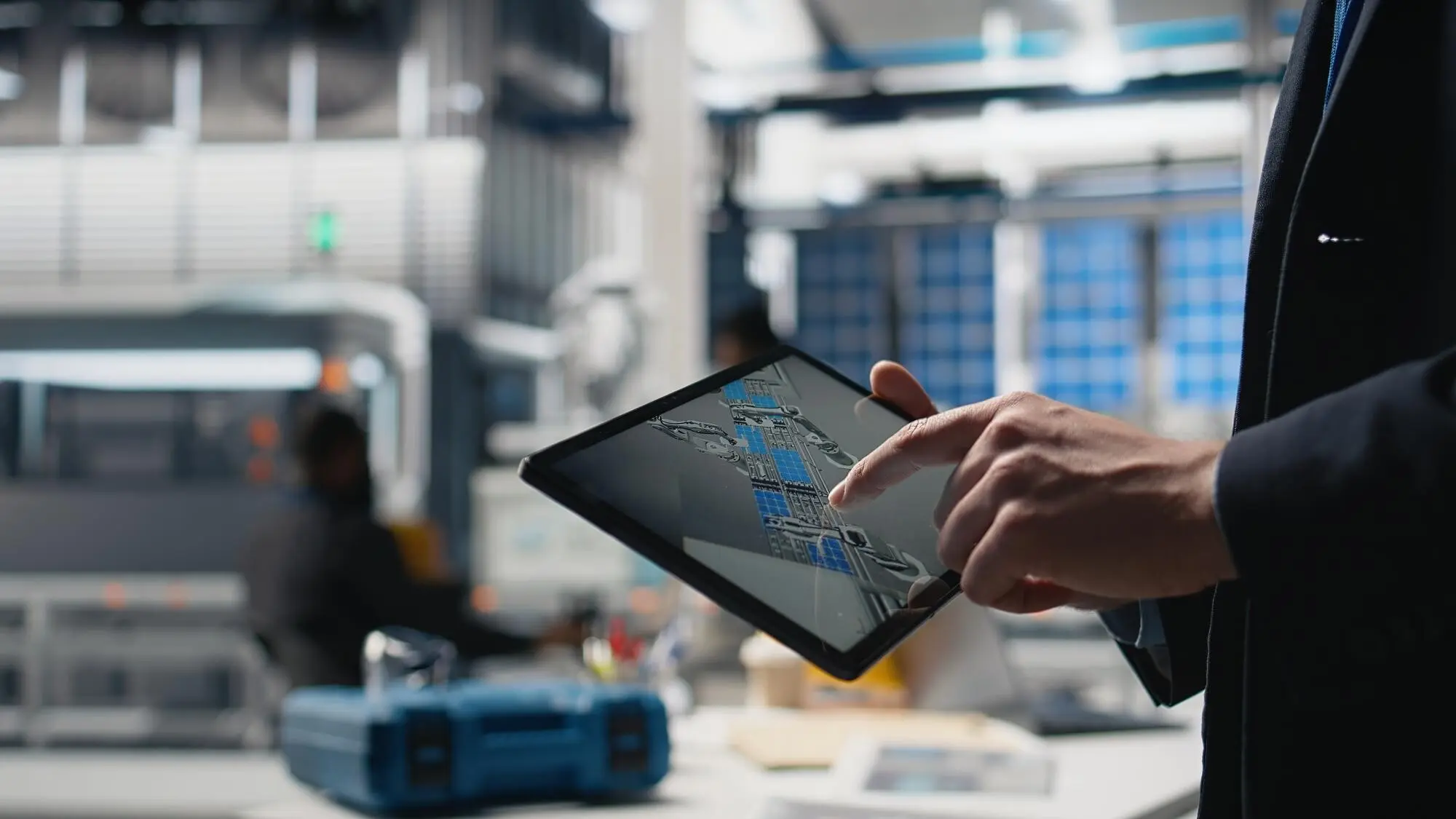
Making Factory Dashboards Work for Everyone

Today we explore inclusive data visualization standards for multilingual, color-safe factory displays, uniting clarity, safety, and speed under real production pressure. Expect practical guidance on color vision accessibility, readable multilingual text, icon semantics, and alarm design that reduces fatigue. We will blend research-backed ratios with shop-floor stories and checklists you can actually use. Join the discussion by sharing challenges from your lines, asking hard questions, and subscribing for upcoming pattern libraries, test protocols, and printable quick-reference cards.

Designing for Every Eye

Factories are bright, dusty, and demanding, so visuals must stay legible despite glare, vibration, and distance. Color alone cannot carry meaning because color vision differences are common—roughly one in twelve men and one in two hundred women. We’ll lean on contrast that holds under shifting light, redundancy through shape and labeling, and palettes engineered to remain distinct after simulation for common deficiencies. These practices improve comprehension for everyone, not just a subset of viewers, and often reduce error rates during stressful events.

Contrast That Survives the Factory Floor

Use robust luminance contrast that remains readable on worn screens and through safety goggles, aiming for widely cited ratios such as 4.5:1 for body text and 3:1 for large interface elements. Validate under realistic conditions: overhead LEDs, side glare from loading bays, and reflective stainless surfaces. Test with grayscale modes to confirm information survives without color. Calibrate displays periodically, and prefer matte finishes, bold letterforms, and generous stroke widths that hold detail at distance and in motion.
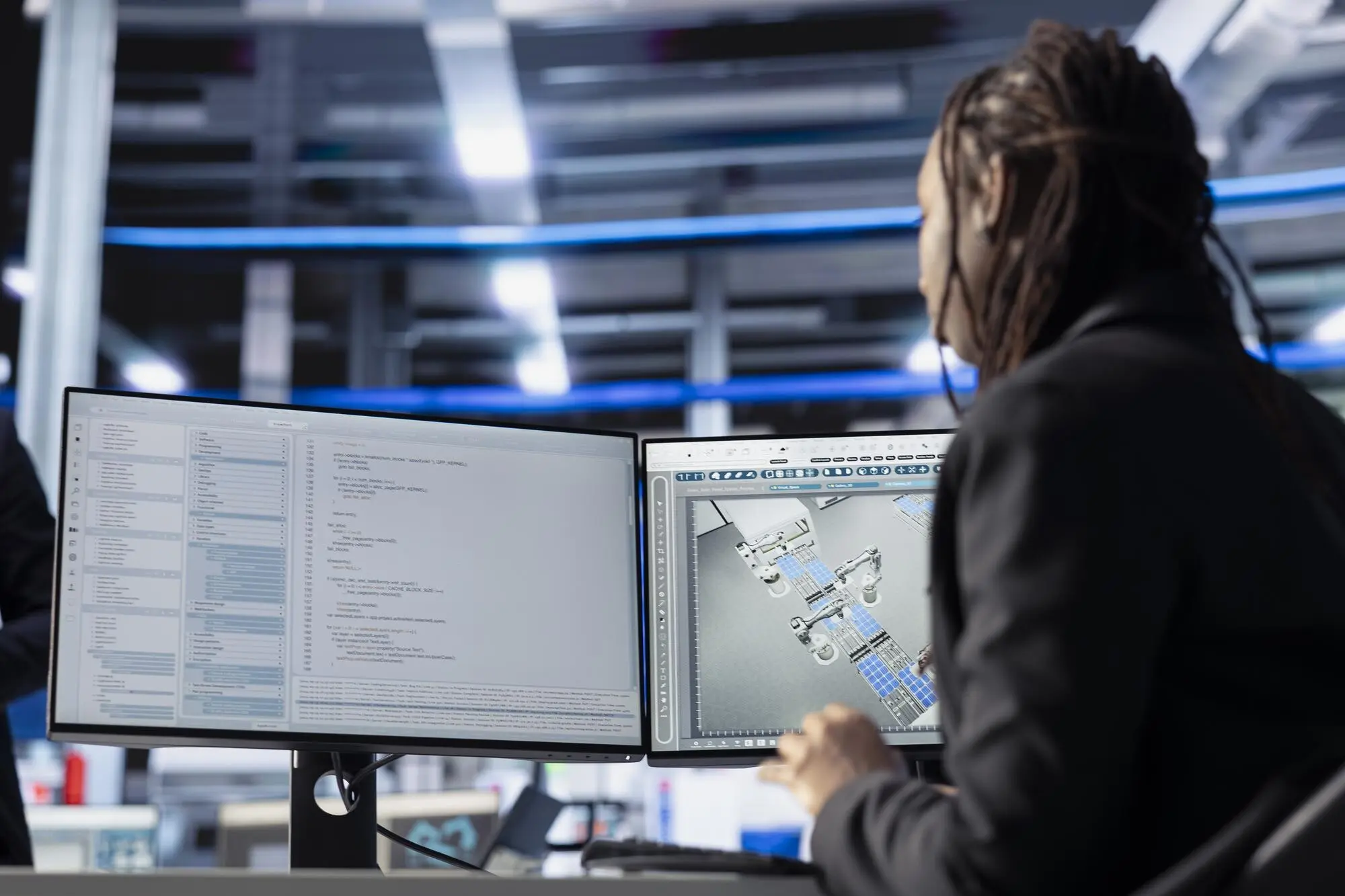
Beyond Hue: Encoding with Shape, Texture, and Motion

Reinforce critical states using distinct shapes, clear labels, and textures like dashed fills or crosshatch so meaning persists if colors blur together. Motion should signal state change, not entertain; avoid excessive flashing and respect safety guidance around flicker frequency. Add pattern keys to charts for process lines, and pick icon silhouettes different enough to recognize at a glance. When possible, combine a concise word, a unique shape, and a stable color to form a resilient triad of cues.

Palette Systems That Travel Across Cultures

Adopt palettes purposely built for accessibility, such as options inspired by Okabe–Ito or carefully vetted ColorBrewer sets, then verify with color-vision simulation tools. Avoid red–green exclusivity and expand distinctions using luminance and saturation shifts. Consider cultural associations around danger, maintenance, and quality signals, keeping semantics consistent across lines and regions. Document primary, secondary, and alert palettes with do-and-don’t examples, and supply tokenized definitions so engineering teams apply colors consistently across firmware, web dashboards, and printed signage.


Clear Language Across Shifts and Borders

A good display speaks plainly, regardless of native language, education level, or shift fatigue. Write short sentences, front-load important words, and pair text with recognizable icons. Plan for left-to-right and right-to-left layouts, mixed units, and date formats guided by robust locale data. Expect text expansion during translation and design elastic layouts that gracefully reflow. Build a controlled vocabulary for process states and defects so everyone names things the same way. Clarity here saves seconds that prevent scrap, downtime, and risk.

Plain Words, Measurable Messages

Replace jargon with action-focused phrasing that answers who, what, and when in a single glance. Say “Stop Line 3: temperature exceeds 95 °C for 3 minutes” instead of vague warnings. Keep numbers in consistent units and express thresholds alongside current values for immediate comparison. Use sentence case, avoid sarcasm or idioms, and rely on tested microcopy patterns. Field-test with new hires and veteran operators during noisy conditions, measuring comprehension time and correctness before rolling out at scale.

Typography That Welcomes Every Script

Choose typefaces with broad script coverage and strong industrial legibility, offering clear distinctions between similar characters like 1, I, and l. Provide fallback stacks for Latin, Cyrillic, Arabic, Devanagari, and CJK, and verify hinting on embedded displays. Favor high x-height, open apertures, and weight steps that endure low-resolution panels. Avoid all caps for long labels, maintain generous letter and line spacing, and ensure RTL support where needed. Keep minimum physical text height proportional to viewing distance to preserve clarity.

Localization Workflow Without Surprises

Adopt an ICU-friendly message format, centralize strings, and run pseudo-localization to reveal truncation and directionality issues early. Assume at least thirty percent text expansion after translation. Provide screenshots and context notes to linguists, and maintain a termbase for process-specific words. Automate quality checks for placeholders, units, and dates, then schedule in-situ reviews on actual hardware. Track translation memory to reduce cost and inconsistencies, and set a release gate requiring localized screenshots, redline approvals, and operator sign-off from at least two regions.

Icons, Alarms, and Semantics That Save Seconds

In emergencies, people do not read; they recognize. Craft icons with distinctive silhouettes and consistent metaphors, and validate meaning with rapid comprehension tests. Build an alarm strategy that prioritizes what truly matters, preventing fatigue and missed events. Layer urgency through sound, motion, and vibration carefully, always respectful of safety and sensory comfort. These semantic systems work together to shorten time-to-corrective-action, reduce cognitive load across shifts, and foster trust because operators can predict what the interface will do next.

Icon Semantics You Can Test in a Minute

Run five-second tests where participants name icon meaning without surrounding text. If less than eighty percent succeed, simplify shape, remove visual noise, or add a short label. Keep families visually related while ensuring each member is unmistakable. Reserve complex pictograms for training screens, not alarms. Validate at actual size and viewing distance on the intended hardware. Maintain a canonical icon library with usage notes, forbidden color overlays, and stroke weights that remain visible through scratched protective films.

Alarm Hierarchies That Prevent Fatigue

Define clear severities, each with escalating but bounded signals. Combine color, sound, and motion judiciously so no single cue carries all meaning. Limit background nuisance alerts; industry guidance often targets manageable single-digit alarms per hour per operator. Provide suppression with audit trails, shelving for known issues, and rationalization checklists. Present cause, consequence, and recommended action together. After each incident, review alarm performance metrics and prune anything that distracted more than it helped, keeping the system focused and humane.

Motion, Sound, and Haptics Used Responsibly

Use movement to indicate change, not decoration, and avoid rapid flashing that may trigger discomfort or health risks. Provide quiet profiles for night shifts and hearing-safe volume caps. Pair tones with distinct temporal patterns and optional haptic cues on wearables. Offer acknowledgment and snooze behaviors that respect operator judgment while preserving traceability. Document contingencies for high-noise zones where audio is unreliable, and always provide a non-audio alternative. Test multisensory alerts in situ, gathering operator feedback before plant-wide deployment.

Layouts Built for Harsh Environments

Gloves, humidity, and vibration challenge even beautiful layouts. Use generous spacing, consistent grids, and persistent headers that anchor orientation. Keep critical KPIs above the fold and group related controls near their readouts. Follow a legibility rule of thumb for viewing distance, and test whether the message survives a quick sideways glance. Emphasize progressive disclosure so operators see only what matters now, with deeper detail one tap away. These patterns reduce hunting, support training, and help new teammates feel confident faster.

Data Integrity, Sampling, and Visual Truth

Measuring Success and Training People

Standards become real when they improve shifts. Track time-to-insight, error rate, and first-time-right actions before and after deployment. Gather operator stories, not just numbers, and hold regular reviews with maintenance and safety. Establish a design system governed by tokens, patterns, and checklists so future projects inherit accessibility by default. Offer microlearning tied to real screens, and celebrate small wins loudly. Invite readers to comment with tricky edge cases, subscribe for templates, and join upcoming clinics where we review real interfaces together.
Nexoloridavozerapento
Privacy Overview

This website uses cookies so that we can provide you with the best user experience possible. Cookie information is stored in your browser and performs functions such as recognising you when you return to our website and helping our team to understand which sections of the website you find most interesting and useful.